Articles / Own your tech
How to Build a Private Netflix & Spotify for $0
Netflix and Spotify cost you roughly $30 a month, $360 a year, and over 30 years that's north of $11,000 for a library you never actually own. This article breaks down the licensing machine behind streaming, then shows you how to build your own private, ad-free, algorithm-free media server for close to $0 using Jellyfin, hardware you probably already own, and media you legally own or acquire DRM-free.
What do Netflix and Spotify cost over 30 years?
Netflix: $18 a month. Spotify: $12. Thirty dollars, gone before you've pressed play on anything. That's not the number that matters. This is: over thirty years, that's roughly eleven thousand dollars, for a library you can't ever actually keep.
Why do streaming titles disappear?
Somewhere in a data center right now, a licensing contract is expiring. When it does, a movie you loved disappears, not because you did anything, but because a lawyer in another building let a deal lapse. You were never renting the movie. You were renting permission.
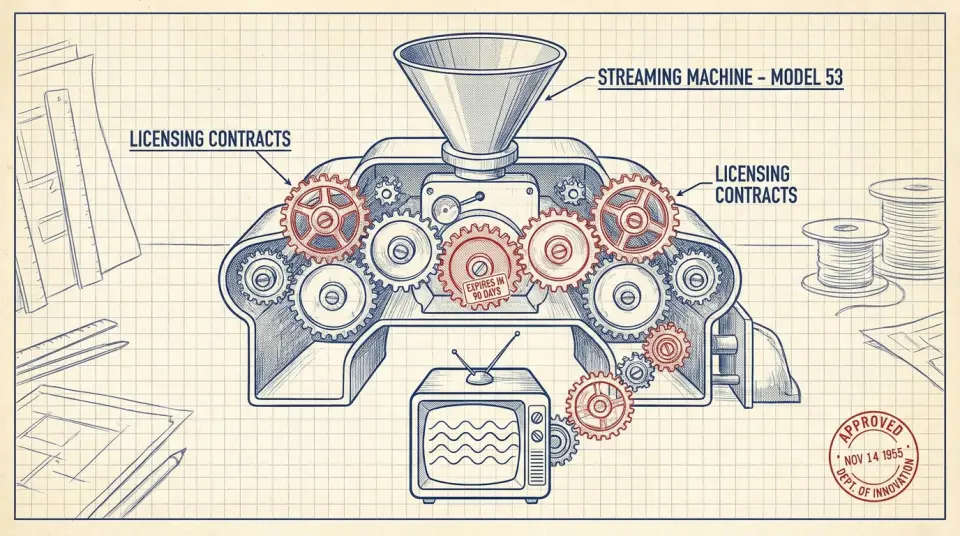
Here's the machine underneath Netflix: it doesn't own most of what it streams either. It leases catalog rights, title by title, region by region, for fixed windows. When the window closes, the title vanishes, for everyone, everywhere, all at once. In 2023 alone, over 200 titles vanished from major streamers in a single quarter, some after just weeks. Spotify's done the same with entire artist catalogs during rights disputes. The 'infinite library' was never infinite. It was a lease with an eviction clause.
Even what stays feels rented. Spotify's algorithm decides what you hear first, licenses can restrict skips on free tiers, and your fifteen years of listening history lives on a server you don't control. You didn't build a music collection. You built a very expensive rental history. So here's the alternative: a machine you own outright, sitting in a closet or on a shelf, running software with no login wall and no monthly invoice. Not a metaphor, an actual box, with actual parts, that you can open up and inspect.
Ledger entry: streaming is a recurring invisible tax on content you never keep, thirty dollars a month, forever, for access that can be revoked. A self-hosted server flips that: one build, one bill, and the content sits on a drive you physically hold.
The real math: $360 a year versus a one-time build
Let's do the real math, not the marketing math. Netflix Standard: $17.99. Spotify Premium: $11.99. That's $29.98 a month, and both companies have raised prices at least four times combined since 2019.
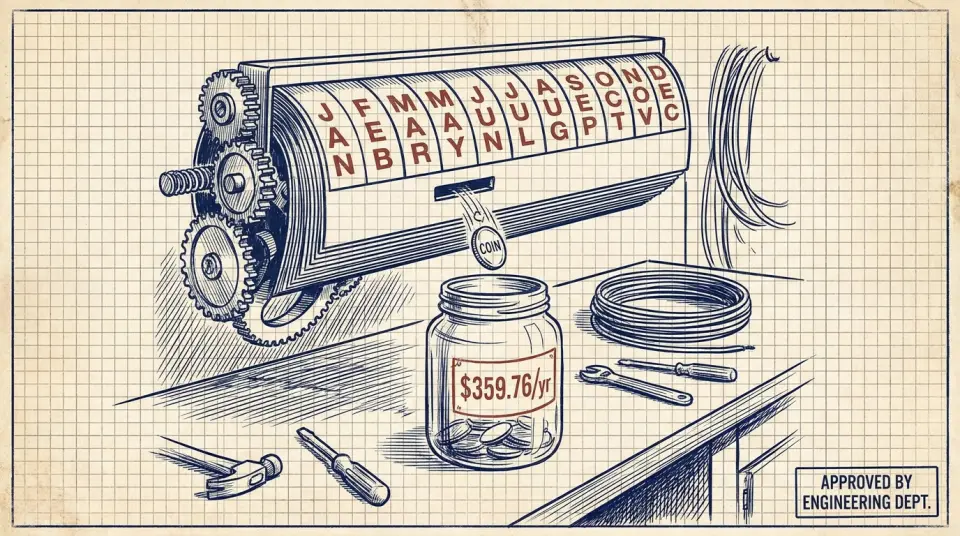
$29.98 a month is $359.76 a year. That's before the next price hike, which, history says, is coming. Streaming prices don't go down. They ratchet up, quietly, a dollar or two at a time, and you barely notice because it's autopay. Run that $360 a year out three decades, ignore hikes entirely just to be generous, and you land at roughly $10,800. Include realistic price increases and you're closer to $14,000, $15,000, for movies and songs you never get to actually keep.
Compare that to a one-time build: a used mini-PC or an old laptop you already own, a couple of external hard drives, maybe $150, $300 total if you're buying everything new. That's it. No recurring bill. No autopay. No price hike email in your inbox every March.
What hardware do you need for a home media server?
So what's actually in the machine? Three parts: hardware to run it, software to organize it, and a library of media you actually own. Let's take them one at a time, starting with hardware, because you probably already own the hardest part. An old laptop from 2015 works. A Raspberry Pi ($35, $75) works. A cheap mini-PC off Facebook Marketplace ($60, $150) works. A NAS with a couple drive bays is the nicer option, but it's optional, not required. The point: this isn't a gaming rig. It barely needs to be a computer.
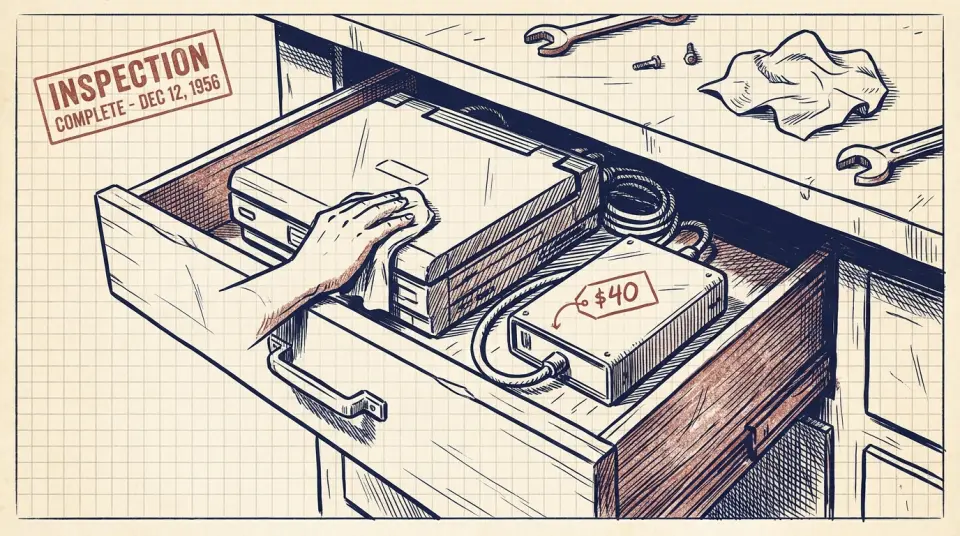
Most people asking about this already have the hardware sitting in a drawer, a laptop replaced two upgrades ago, still perfectly capable of shuffling video files to a TV. Add a $40 external hard drive for storage, and your starting cost is close to zero.
Building a legitimate media library
Now, the library, and let's be precise, because this only works if it's legitimate. Rip your own DVDs and Blu-rays. Rip your own CDs. Buy DRM-free music from Bandcamp or 7digital. Pull from public-domain film archives and Creative Commons catalogs. All of it, yours, free and clear. One honest aside: yes, other files exist online. That's not what this is about. The entire point of owning a private server is that you actually own the media on it, not that you found a shortcut around paying anyone, ever. Ownership, not theft. That's the whole thesis.
Jellyfin and Navidrome instead of Netflix and Spotify
The software that turns a folder of files into 'your own Netflix' is called Jellyfin. It's free. Open-source. No account required, no paywall hiding behind a 'free trial,' no upsell screen. That's not a marketing claim, it's the actual license. Jellyfin scans your library, pulls posters and metadata, builds a home-screen grid that looks almost exactly like Netflix's, same rows, same hover previews, except every single row is something you already own, and nobody's algorithm decided what goes at the top.
You'll also hear about Plex, it's the popular gateway drug into this hobby, and it works fine. But Plex nudges you toward 'Plex Pass' for features Jellyfin gives away free. If the whole point is escaping subscriptions, Jellyfin is the one that actually means it.
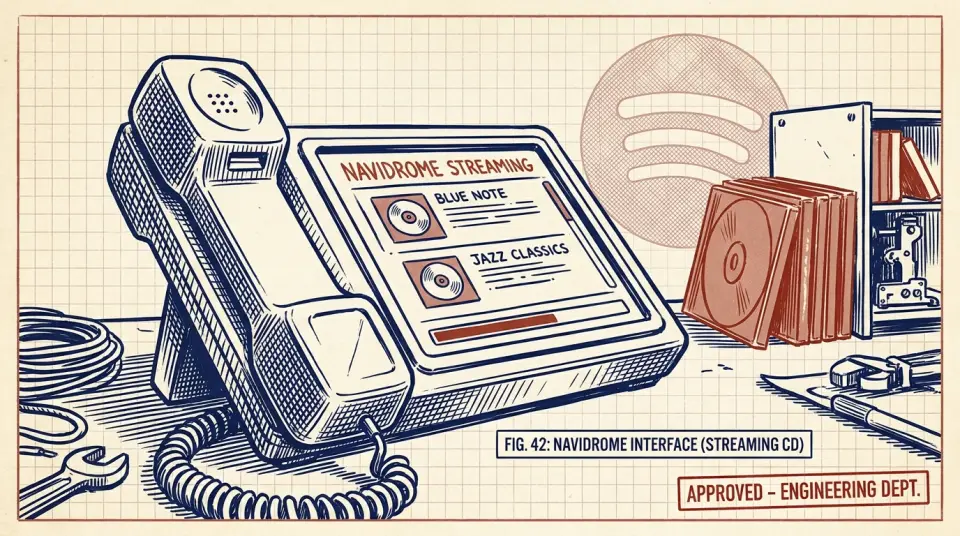
For music, the tool is Navidrome, or Jellyfin's own music module. Point it at a folder of ripped CDs and purchased DRM-free tracks, and it becomes a Spotify clone you stream to your phone, your car, your speakers, minus the monthly fee, minus the algorithm renting back your own taste. Building the music library is the slow part: ripping a CD collection, or buying tracks you already love in DRM-free format instead of streaming them again for the thousandth time. But it's a one-time cost per song, not a fee you pay every single month, forever.
Power users add tools like the '*arr stack' to automate organizing and fetching cover art and subtitles. Nice to have. Not required. For most people, Jellyfin plus a folder of files gets you 90% of the experience with 10% of the fuss.
How long does setup take and what is the catch?
Here's the honest catch, because I'm not selling you a fantasy: this takes a weekend to set up properly, and a little upkeep after that. You won't get day-one new releases. This trades a bit of convenience for a lot of control. That trade is the entire point. Setup, roughly: install Jellyfin on your device, free download, ten minutes. Point it at a folder of your media. It scans, organizes, builds your library automatically. That's the entire technical bar for the 'private Netflix' half of this project.
Add libraries as you go: Movies, TV, Music, Home Videos, even Audiobooks. Jellyfin treats them all the same way, scan, organize, serve. Drop a new ripped Blu-ray into the folder and it appears on every device within minutes, no upload, no processing fee, no waiting.
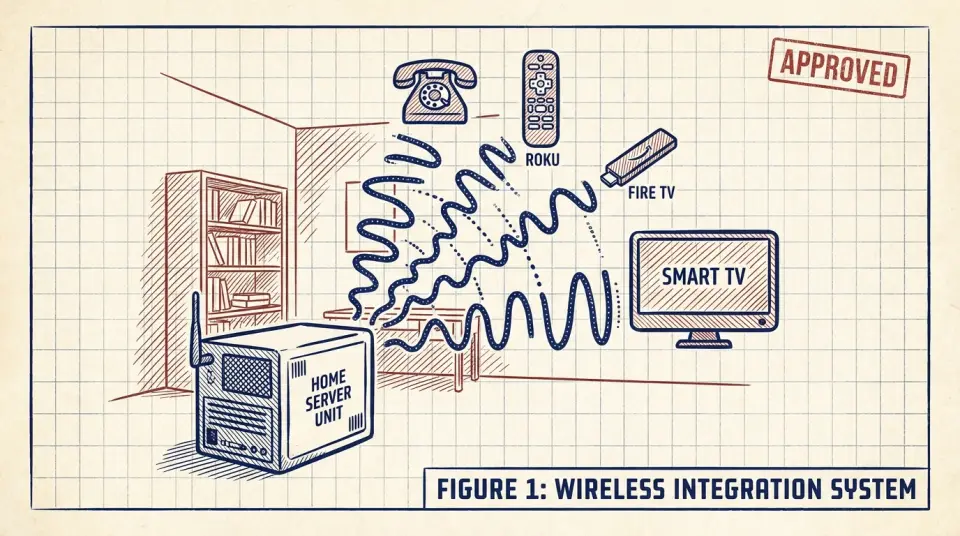
Want it on your phone off your home network? Jellyfin apps exist for iOS, Android, Roku, Fire TV, and smart TVs, with secure remote access options. Same private library, wherever you are, no data cap, no 'this content isn't available in your region' message. Upkeep is light but real: occasional software updates, occasionally adding new rips, occasionally replacing a drive when it dies in five or ten years. Call it an hour a month. Compare that hour to the $30 a month you're not paying anymore.
Break-even in eight months, then a library you keep
Let's tally the actual build cost. Hardware you already own: $0. A couple of external hard drives: roughly $80, $150. Jellyfin software: $0, permanently. Total realistic first-year cost for most people: under $200, often under $50 if you're resourceful. Set that $200 one-time cost against $360 a year in subscriptions. You break even before month eight. Everything after that, every month, every year, for the rest of your life, is money that simply stays in your account instead of leaving it automatically.
There's a quieter payoff too: permanence. The movie your dad showed you as a kid doesn't vanish because a licensing deal expired. The album that got you through a bad year doesn't get pulled because an artist had a dispute with a label. It's just there. Forever. That library outlives the subscription era entirely. Hand someone a hard drive in twenty years and it still plays. Hand someone your Netflix login in twenty years and there's a good chance neither the account nor half the catalog still exists.
Final ledger entry: thirty years of Netflix and Spotify runs roughly $11,000, and you end with nothing. A self-hosted server runs roughly $150, $300 total, and you end with a library that's actually yours, no invisible tax, no expiration date, no algorithm in between.
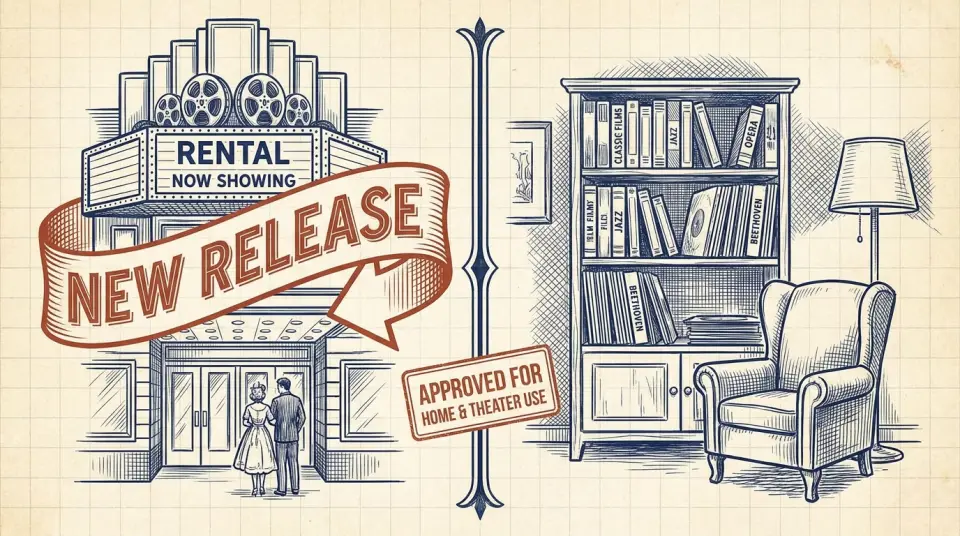
This isn't an argument to cancel every streaming service tomorrow, new releases still need a rental model. It's an argument that the stuff you actually love, the stuff you'd want in thirty years, deserves to be owned outright, not leased back to you monthly. Own everything you can. Rent only what you must. A weekend of setup buys you a media library no company can ever repossess, price-hike, or quietly delete at 2 a.m. That's the whole machine, and it's already sitting in your closet.
Watch this one on YouTube or subscribe to the channel for the next breakdown.