Articles / Own your tech
You're Renting the Keys to Your Entire Life
Your password manager holds the keys to your entire life, bank, email, photos, work, and the big ones quietly turned that essential tool into a monthly rental you can be locked out of. Here's how the free-then-paywall trap is set, and how to take your keys back for free and own them forever with Bitwarden or KeePass, including the exact 3-step migration and why open-source is actually safer.
Who holds the keys to your digital life?
Right now, one company probably holds the keys to your entire life, your bank, your email, your photos, your work. And most people are renting those keys for a monthly fee. The day you stop paying, you could be locked out of all of it. That is a strange amount of power to hand to a subscription.
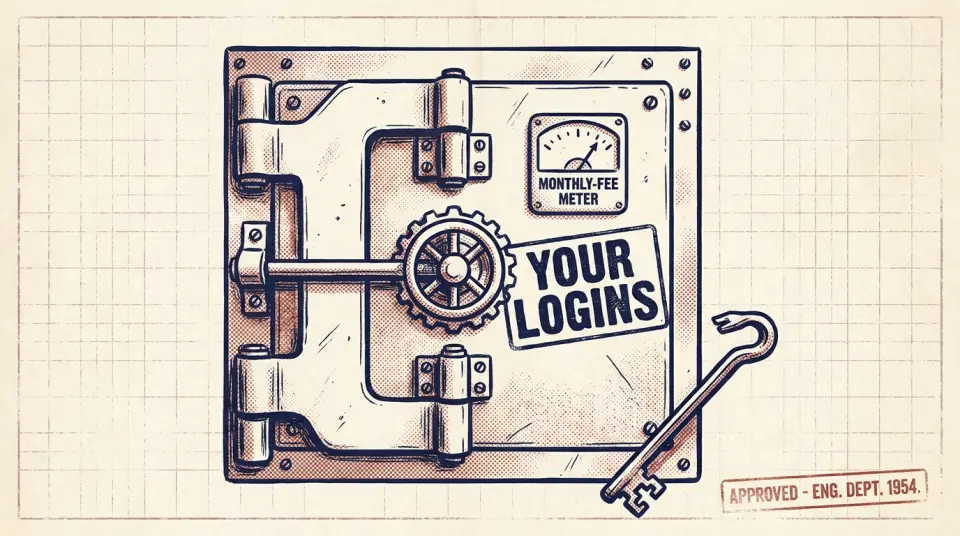
I'm talking about your password manager, the single most important tool you own, holding every login you have. And over the last few years, the big ones quietly turned that essential tool into a rental.
Why does a password manager matter so much?
First, why does this tool matter so much? Because reusing one password everywhere means one leak unlocks everything you own. A password manager fixes that by giving every account its own long, random password, locked behind a single master key only you know. It is genuinely essential, which is exactly why turning it into a rental is such a clever trap.
How did password managers turn into rentals?
Here is the quiet shift. Tools that used to be a one-time purchase, or simply free, moved to monthly plans, and started locking basic features behind them. Sync across your devices? Pay. Share with your family? Pay. Miss a payment, and you can find yourself locked out of the very vault holding your life.
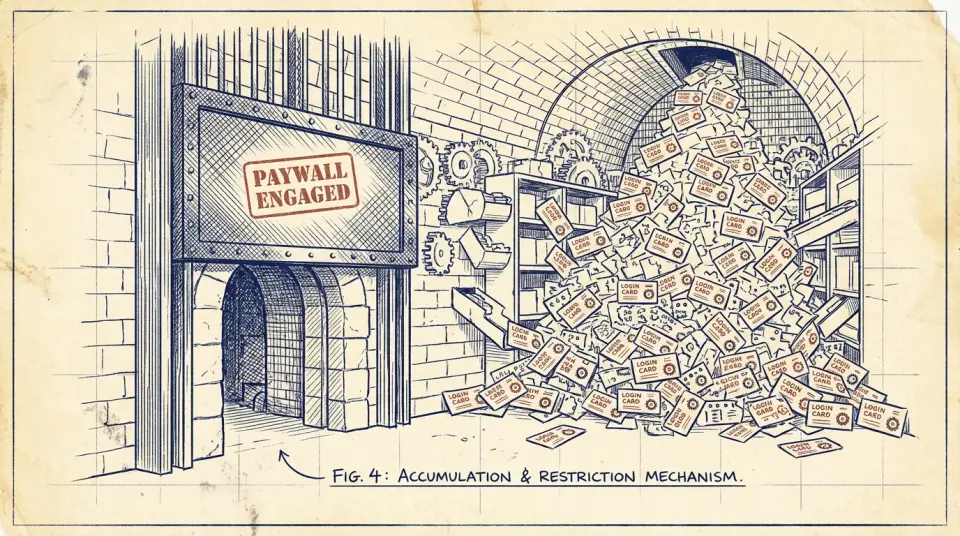
Watch how the hook is set. They give it away free to get your whole digital life inside, every login, carefully saved over years. Then, once leaving would mean re-entering hundreds of passwords by hand, the features you relied on slip behind a paywall. The free tier was never generosity. It was the first half of a trap.
Which free password managers can you own?
But you do not have to rent this. There are two free, owned alternatives that are just as secure, often more so. The first is Bitwarden. It is free for everything most people actually need, it is open-source so independent experts can inspect the code, and if you ever want total control, you can even run it on your own computer.
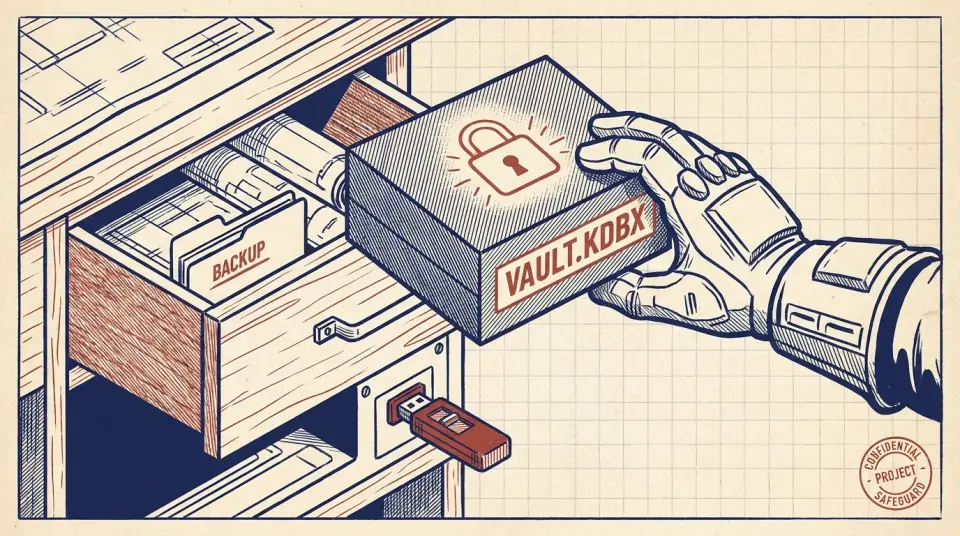
The second is KeePass. With KeePass, your entire vault is a single encrypted file that lives on your device. No company, no server, no subscription, just a file you own and back up like any other. Nobody can lock you out of it, because nobody else has it. It is the most 'owned' your passwords can possibly be.
Can a free password manager be as safe as a paid one?
Now the obvious worry: can free really be as safe as paid? Here it is actually safer. Because these tools are open-source, anyone in the world can inspect exactly how your vault is locked, there are no secrets, no trust-us promises. The strongest security is not the one you pay the most for. It is the one thousands of experts have already checked.
How do you move to Bitwarden or KeePass in three steps?
Here is the whole migration in three steps. One: in your old manager, choose 'export vault' and save the file. Two: in Bitwarden or KeePass, choose 'import' and select it, every login lands in seconds. Three: delete the export file, then cancel the old subscription. That is it. The thing you dreaded is an afternoon, once, forever.
Two rules make this bulletproof. One: pick a long master passphrase you will never forget, four or five random words beat a short clever password every time. Two: back up your vault. With KeePass, copy the file somewhere safe. With Bitwarden, you can export a secure backup. Own it, and protect what you own.
Do owned password managers support passkeys?
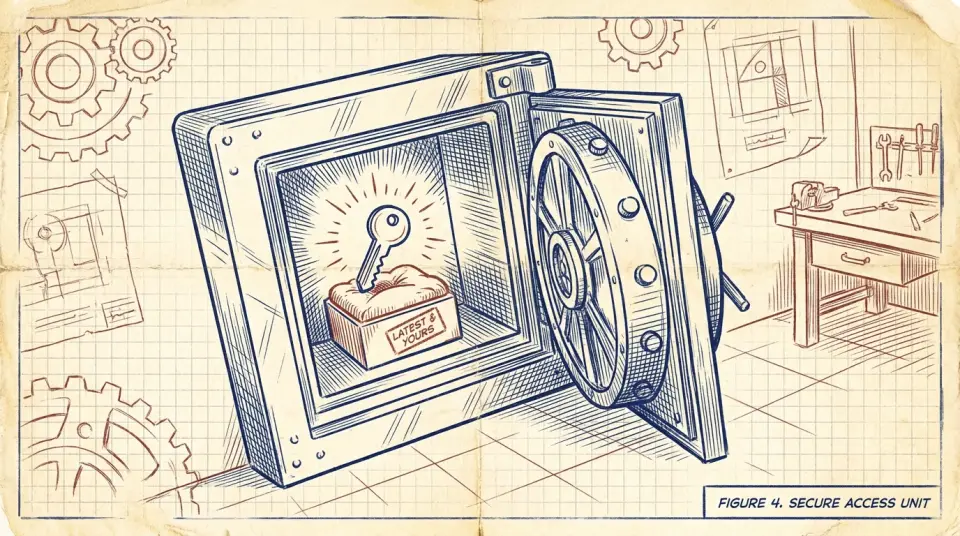
And don't worry that you're adopting yesterday's tool. The newer, passwordless logins, passkeys, work beautifully in both Bitwarden and KeePass. You are not choosing between 'owned' and 'modern'. You get the latest security and you hold the keys yourself. The rental model has no monopoly on the future; it just wants you to think it does.
Why does owning your vault matter?
Think about the shift in power here. When your passwords live in a rented vault, a company can change the price, change the terms, or simply fail, and your access to your own life hangs on their decisions. When you own the vault, none of that can touch you. You hold your own keys, and no one can raise the rent on them.
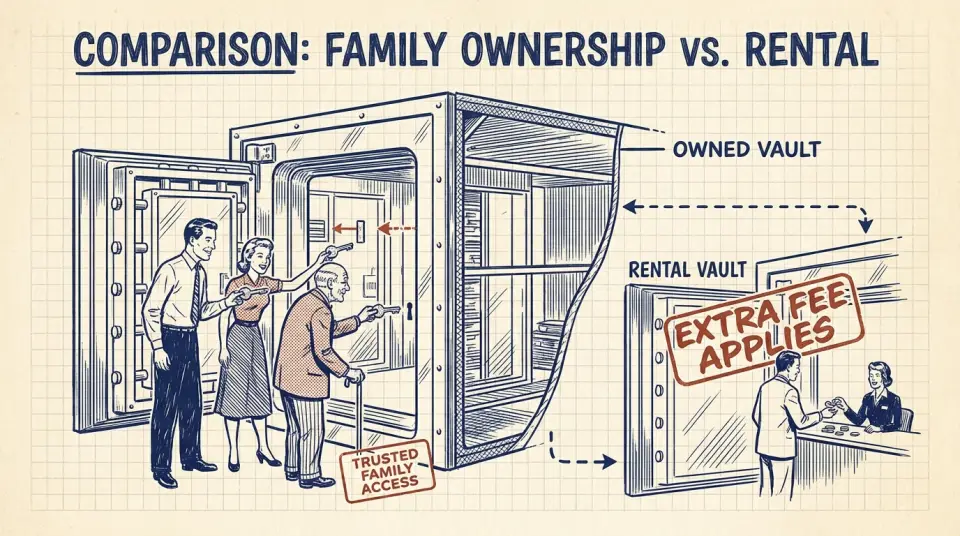
This matters most for the people you protect. A shared family vault means your partner can reach the bank if you're ill, your passwords outlive a lost phone, and your digital life doesn't vanish with one forgotten payment. Owned tools let you share freely, with the people you choose, not rent access to your own family, feature by feature.
Here is the principle underneath it all. The more essential a tool is, the more dangerous it is to rent, because the renter knows you cannot walk away. Your logins are the most essential tool you have. That is the single best reason in the world to make sure you, and nobody else, are holding the keys.
The keys to your bank, your memories, and your work are too important to rent. Move them somewhere you own, lock them behind a passphrase only you hold, and stop paying a monthly fee for the privilege of accessing your own life. It takes one afternoon. Then the keys are yours for good.
Watch this one on YouTube or subscribe to the channel for the next breakdown.