Articles / Own your tech
Own Your Software: The $2,300 One-Time-Purchase App Stack
The average software stack, office suite, photo editor, password manager, notes app, PDF tool, video editor, quietly costs about $860 a year in subscriptions. This is the one-time-purchase alternative for every single category, with the real math on what you save by owning instead of renting.
What does a software subscription stack cost per year?
Add up an office suite, a photo editor, a password manager, a notes app, a PDF tool, and a video editor, a stack any serious hobbyist runs, and you land at roughly eight hundred sixty dollars a year. Not once. Every single year, for as long as you keep paying. Miss a payment on any of these and the machine notices immediately. Your photo editor locks its export button. Your PDF tool stops letting you save changes. You didn't lose the software, you lost permission to use the files you already made.
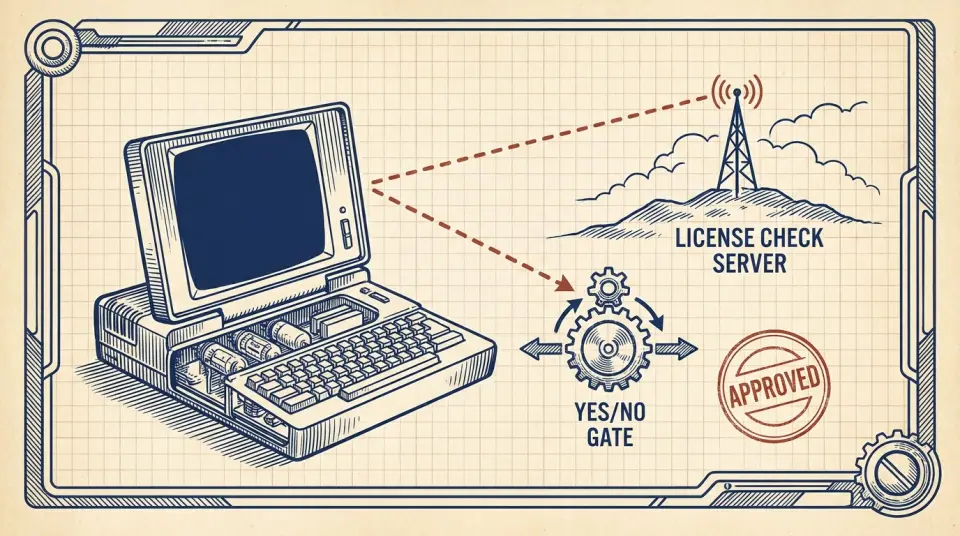
Here's the machine underneath: your app phones home to a license server roughly once a day. If your card's on file and the charge goes through, it says yes. Cancel, or let that card expire, and the same handshake returns one word, no. This wasn't always the model. Adobe sold boxed copies of Photoshop for a flat fee until 2013, when Creative Cloud replaced ownership with rent. Within two years, its recurring subscription revenue had overtaken one-time sales entirely, and the rest of the software industry noticed.
Multiply that shift across six categories of software and you get what I'd call an invisible tax, small charges that never appear as one bill, so nobody ever adds them up. That's the business model working exactly as intended: friction disguised as convenience. Ledger entry: six ordinary subscriptions, paid quietly across a year, total roughly eight hundred sixty dollars. Over three years, before a single price increase, that's about twenty-five hundred dollars for software you never actually own.
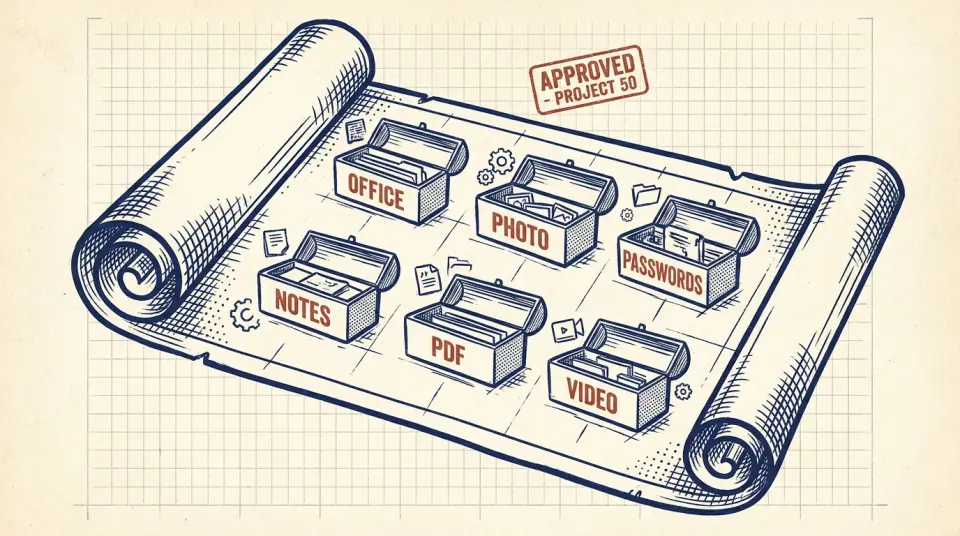
Every one of those six categories has a one-time-purchase or free alternative that does the same job, built by smaller teams who sell you a license instead of a lease. Let's walk through the stack, category by category, and rebuild it so you own it.
Office suite: LibreOffice instead of Microsoft 365
Category one: office suite. Microsoft 365 Personal runs about seventy dollars a year just to keep Word, Excel, and PowerPoint unlocked, software that has done the same basic job since the 1990s. LibreOffice does the same job, documents, spreadsheets, slideshows, saved in formats Word can open, and costs nothing, maintained by a nonprofit foundation instead of a shareholder-driven company. Ledger entry: that seventy-dollar subscription drops to zero.
Photo editing: Affinity Photo versus Adobe's $120 plan
Category two: photo editing. Adobe's Photography plan, bundling Photoshop and Lightroom, runs about one hundred twenty dollars a year, and if you stop paying, older versions can eventually stop opening your saved edit history. Affinity Photo handles layered editing, RAW processing, and retouching at a professional level, for a single license fee around seventy dollars, paid once. No renewal, no expiring edit history, no monthly reminder email waiting in your inbox.
Password managers: Bitwarden and KeePassXC
Category three: password managers. Services like LastPass or 1Password charge roughly thirty-six dollars a year per person to store the passwords you're required to have because everything now demands a different one. Bitwarden's core vault is free and open-source, or you can go fully offline with KeePassXC, which stores an encrypted file on your own drive, no company, no server, no subscription involved anywhere in the chain.
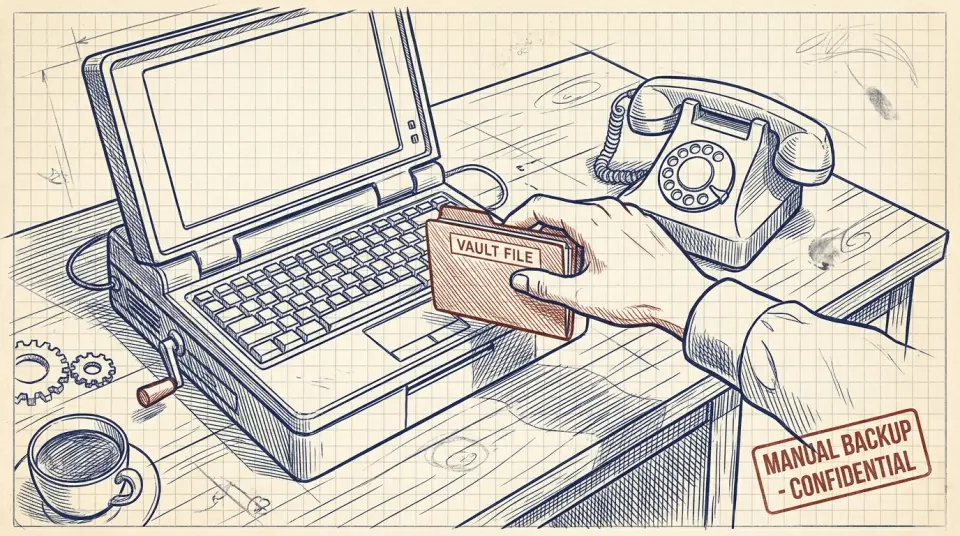
The tradeoff is real: free tools like these expect you to manage your own syncing, usually through a cloud drive you already pay for anyway. It's ten extra minutes of setup in exchange for a bill that never returns.
Notes and PDF tools without a subscription
Category four: notes. Evernote's paid tier runs somewhere around one hundred thirty dollars a year, and your years of notes live inside its proprietary format, good luck reading them if you ever stop paying. Obsidian stores every note as a plain text file on your own computer, free for personal use, syncing however you like. Ledger entry: that hundred-thirty-dollar subscription becomes zero, and your notes outlive the app itself.
Think of it like renting a filing cabinet you can be locked out of, versus owning one that sits in your house, the paper inside is yours whether the company that sold you the cabinet still exists in ten years or not. Category five: PDF editing. Adobe Acrobat Pro runs about two hundred forty dollars a year just to add signatures, merge pages, or edit text inside a PDF, tasks that used to come free with a printer.
PDF Expert offers a lifetime license for roughly eighty dollars, paid once, covering editing, signing, and merging. For simpler jobs, PDFgear does the same work for free. Ledger entry: two hundred forty dollars a year collapses to a single eighty-dollar payment, or nothing at all.
Video editing and email: DaVinci Resolve and Thunderbird
Category six: video editing. Premiere Pro alone runs about two hundred sixty-four dollars a year, and the moment you cancel, every project file becomes unopenable until you pay again.
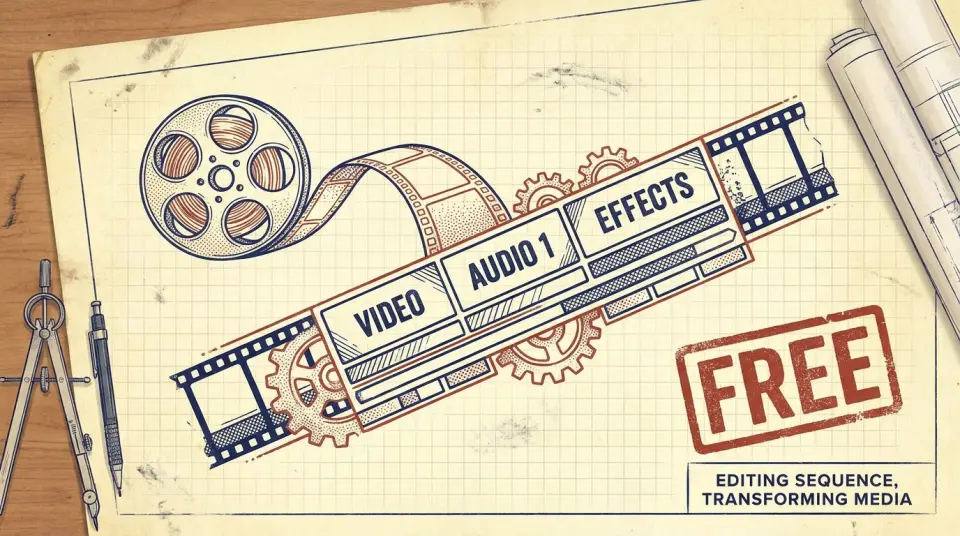
DaVinci Resolve is free, full stop, made by the same company that builds color-grading hardware for actual Hollywood films, and its free tier already includes editing, color, and audio tools most hobbyists never fully use. Category seven: email. Plenty of people keep paying for Microsoft 365 largely to keep using the Outlook desktop app, folding one product's subscription into justifying another they barely touch.
Thunderbird handles every major email account for free, and eM Client offers a lifetime license around sixty dollars if you want a more polished interface. Neither one asks you to keep paying just to keep reading your own inbox.
What do you give up when you own your software?
None of this is a free lunch, exactly, owned software asks you to do a little of the work a subscription used to do quietly, in exchange for its fee. Cloud subscriptions back up your files automatically as part of the price. Own your software, and backup becomes your job, a five-hundred-gigabyte external drive costs about sixty dollars, once, and covers most people for years.
Major version upgrades on one-time software sometimes cost a small fee every few years, Affinity's last major upgrade ran about twenty-five dollars. Even paying that every three years is a fraction of a single year's subscription.
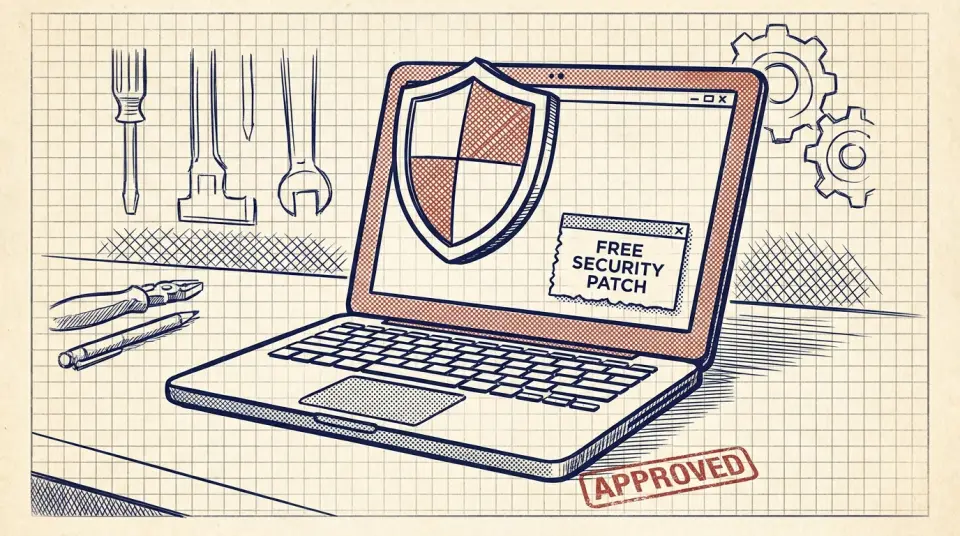
Security patches, on the other hand, are usually still free. LibreOffice, Thunderbird, and Bitwarden all ship regular security updates at no cost, because their business model was never built on renewing your fear of being unprotected.
The full ledger: $2,300 saved over three years
Full ledger: the subscription stack runs about eight hundred sixty dollars a year. Over three years, that adds up to twenty-five hundred eighty dollars. The owned stack costs roughly two hundred ten dollars, one time, plus maybe sixty more in occasional upgrades. That's a savings of about twenty-three hundred dollars over three years, sitting quietly across categories most people never audit because each individual charge feels too small to fight over.
Renting software isn't wrong, it's just a choice, and most people never realize they're making it. Owning the same six tools outright is simply the other option, sitting right there, mostly unadvertised because it doesn't come with a marketing budget. Start small: pick the subscription you resent paying for most, check whether a one-time or free alternative covers ninety percent of what you actually use it for, and trial it for a week before you cancel anything.
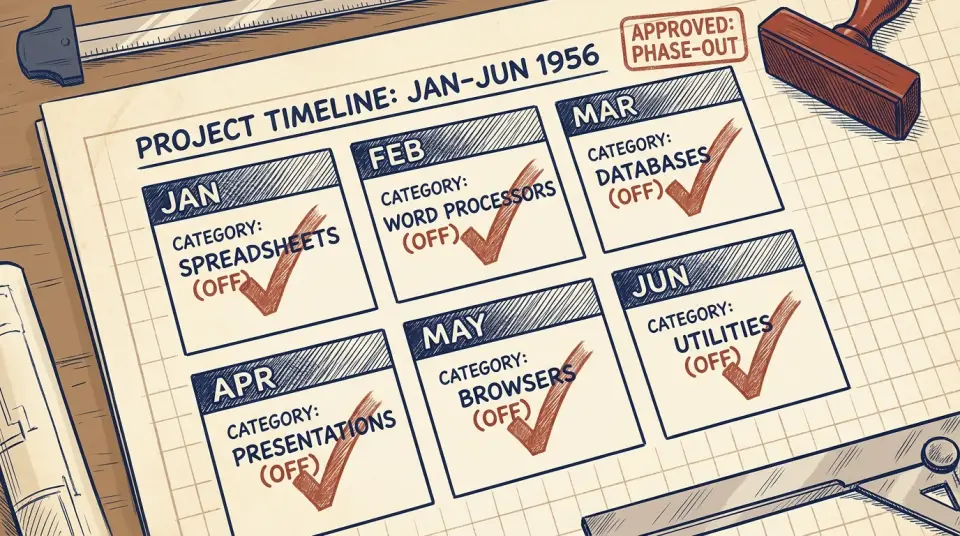
Replace one category a month instead of all six at once. By the sixth month, you've rebuilt your entire software stack without a single week of lost productivity, and without a single new subscription added anywhere. Six tools, owned outright, doing the same job they did the day you bought them, no renewal date, no login wall, no invisible tax quietly renewing itself in the background. That's not a downgrade. That's just yours.
Watch this one on YouTube or subscribe to the channel for the next breakdown.